





Downloading the app from the Play Store / App Store is free of charge. A free pre-test and 30 free minutes of the full version are available in the app.
If you decide to purchase, the cost for the full version of our app is £6.99 per month and £28.99 for six months. There is no subscription associated with the purchase, the licences expire automatically and can be extended directly in the app if required.
1. Please open the Google Play Store on your Android smartphone (e.g. Samsung or Huawei device) or the App Store on your iOS smartphone (iPhone).
2. Enter „Preventicus Heartbeats“ in the search field.
3. Tap on „Download“ or „Install“. The app will then appear on the home screen of your smartphone.
Preventicus Heartbeats works on all iPhones and all iPod touches (from version 6). The minimum requirement is the iOS 12.1 operating system.
For Android smartphones, the minimum requirement is the Android 7.0 operating system.
Your smartphone must also have a camera and flash.
Current list of tested devices: Whitelist
If the app is not displayed for your device, it has been tested and blocked by Preventicus as it is not technically suitable. You can find all tested and approved smartphones online at Whitelist.
If possible, please use a different smartphone.
Open the app and click on the person icon in the top left corner of the app on the start page.
Then click on „Sign Up“ under the „Log in“ field next to „No user account yet?“.
You will then be asked for your access code. Please enter your access code from your cover letter in the „Access code“ field and tap „Continue with access code“. If you do not (yet) have an access code, please click on „Continue without access code“.
On the next screen, please enter a valid e-mail address and a secure password of your choice. Both must then be repeated once for confirmation. Then click on „Register now“.
You have now successfully registered. Please note the following message to activate your user account.
The app can be used without registration.
However, an e-mail address is required for registration in the prevention programme in order to redeem the voucher code from the health insurance company and the associated use of all contents of the app.
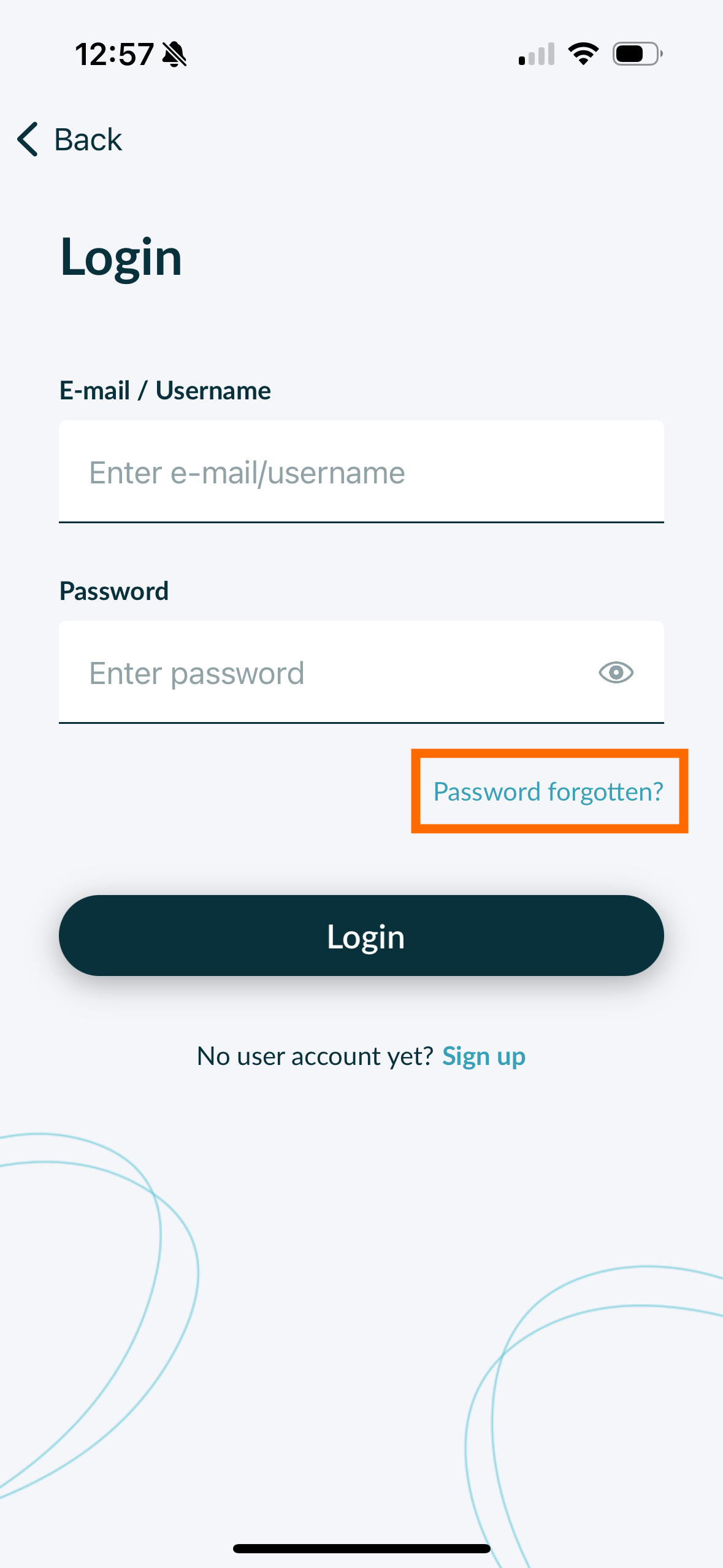
This is not a problem. Please use the „Password forgotten?“ function in the login window to set a new password.
Preventicus recommends checking your heart rhythm twice a day with the app. If there are no abnormal results after two weeks, twice a week is sufficient. As well as whenever you feel that your heart is beating irregularly.
Click on the „Results“ icon in the navigation bar at the bottom of the app home page.
Select the measurement result you would like to share from the list.
You will now see an arrow in a square or a symbol connected by dots at the top right of the screen. Please click on the respective symbol.
After you have read the note, you can now select with whom and via which channel you would like to share the document. The best way to do this is to write an e-mail.
Reliable evaluation of the heart rhythm with the app depends on good signal quality. Please pay attention to the following points during the measurement:
1. Please sit upright and relaxed. Do not move or talk during the measurement.
2. Measurement variant 1: Please place the camera lens firmly on the foremost part of your finger.
Measurement variant 2: Please hold the smartphone steadily and calmly in your hand. Place the foremost part of your index finger on the camera lens.
Please do not touch the flash with your finger!
3. The circle (preview) must be red and completely filled by your finger.
4. The signal quality must be displayed below the measurement screen, the measurement starts automatically when it is in the upper area.
5. If necessary, please massage the fingertip of the finger used for measurement to increase blood flow.
If you have any difficulties, please contact Preventicus support at: support@preventicus.com
Your personal data will not be stored in the app, but will only be transmitted to the health insurance company. Preventicus has no access to your personal data. This means that Preventicus itself, the regional and telecardiologists and telecare centres work without any personal data from you.
All data is also encrypted.
Scientific clinical studies are an essential prerequisite for a reliable medical product. Especially when it comes to such an extremely important topic as heart rhythm.
International studies (DETECT AF PRO and WATCH AF) have shown that atrial fibrillation was detected with an accuracy of approx. 96% in over 1,300 study participants.
The positive predictive value was over 99% for smartphone measurements (i.e. when atrial fibrillation was detected by Preventicus Heartbeats, it was confirmed simultaneously by a cardiologist using an ECG in over 99% of cases).
In the most recent study (e-BRAVE AF), it was also found that up to 3 times more treatment-relevant atrial fibrillation was detected in patients participating in the screening programme than in patients undergoing regular screening.
If you have created a user account, your data will not be deleted when you uninstall the app, it will be retained. Reinstall the app from the relevant store and simply log in as usual. You will then find your measurement results in your user account under „My results“ on the home screen.
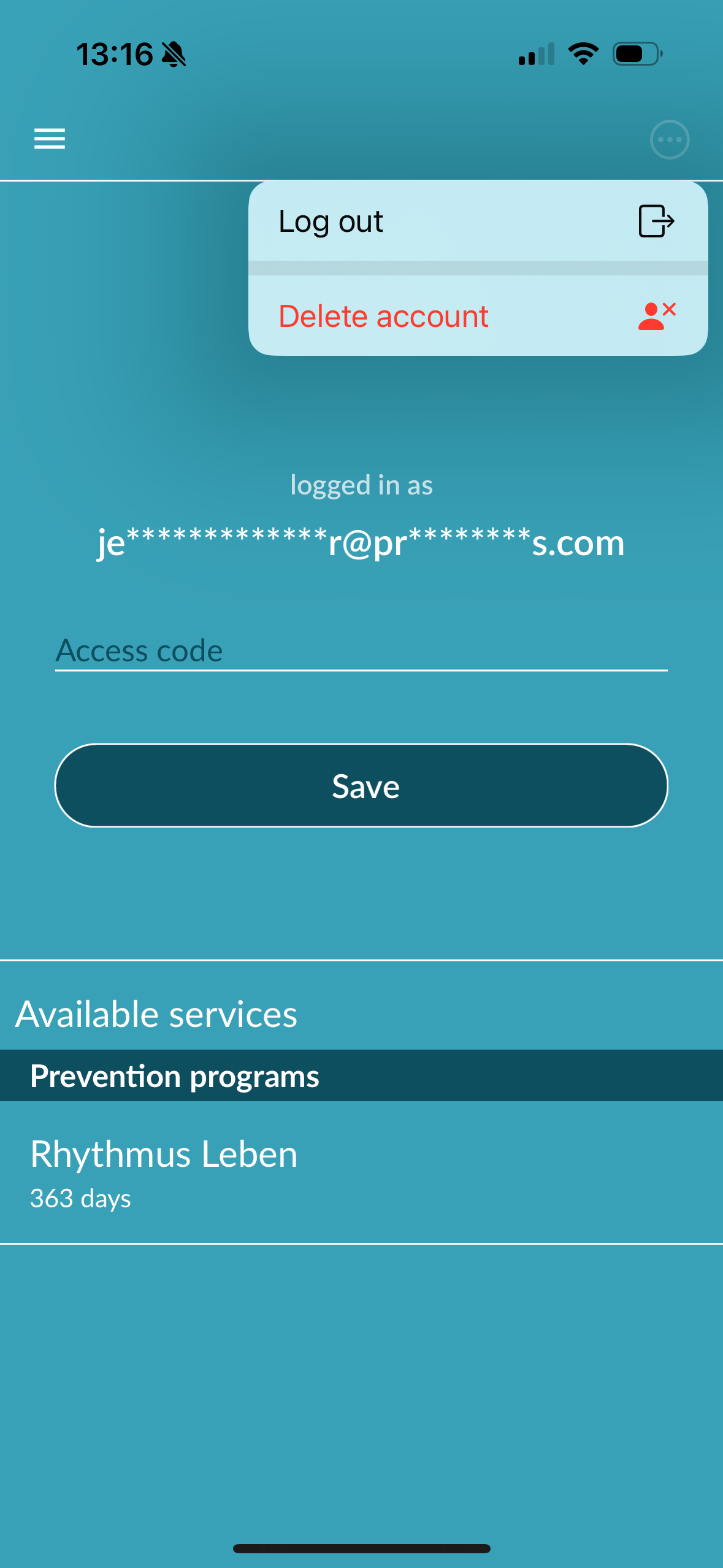
If you are registered as a user in the Preventicus Heartbeats app, you can delete your user account and the associated information and documents at any time. Please note that this action is final. Your data cannot be restored if you change your mind.
Step 1: What happens if you delete your account?
All data, reports and purchases associated with this account will be lost.
You will no longer have access to past measurements and reports.
You will lose access to purchases you have made and content you have purchased from the App Store or Google Play, e.g. Telecare reviews. Note for participants in the prevention programme: Deleting your user account always goes hand in hand with the cancellation and thus termination of your prevention programme (see note below).
Step 2: Check and download data before deleting your account:
Check the data in your account.
Reports that you would like to keep should either be saved, transferred to another PC or forwarded before deletion.
To do this, use the „Share“ function for the individual reports.
Step 3: Delete account
As a registered user in the prevention programme, you must first revoke or cancel your contract in order to delete your account. A message will be displayed when you click on the „Delete account“ button. Select „Exit“ and revoke/cancel your contract. Then follow the instructions on your display to permanently delete your user account.